
Okay, so you went hunting for cheaper cartridges, found a good deal, popped them into your HP OfficeJet Pro 6968, and now it's throwing an error at you. Been there, friend. You reset it, wiped the contacts, even peeled off the little sticker, and nothing changed. Let me walk you through what's really going on.
Why Is My HP OfficeJet Pro 6968 Rejecting New Cartridges?
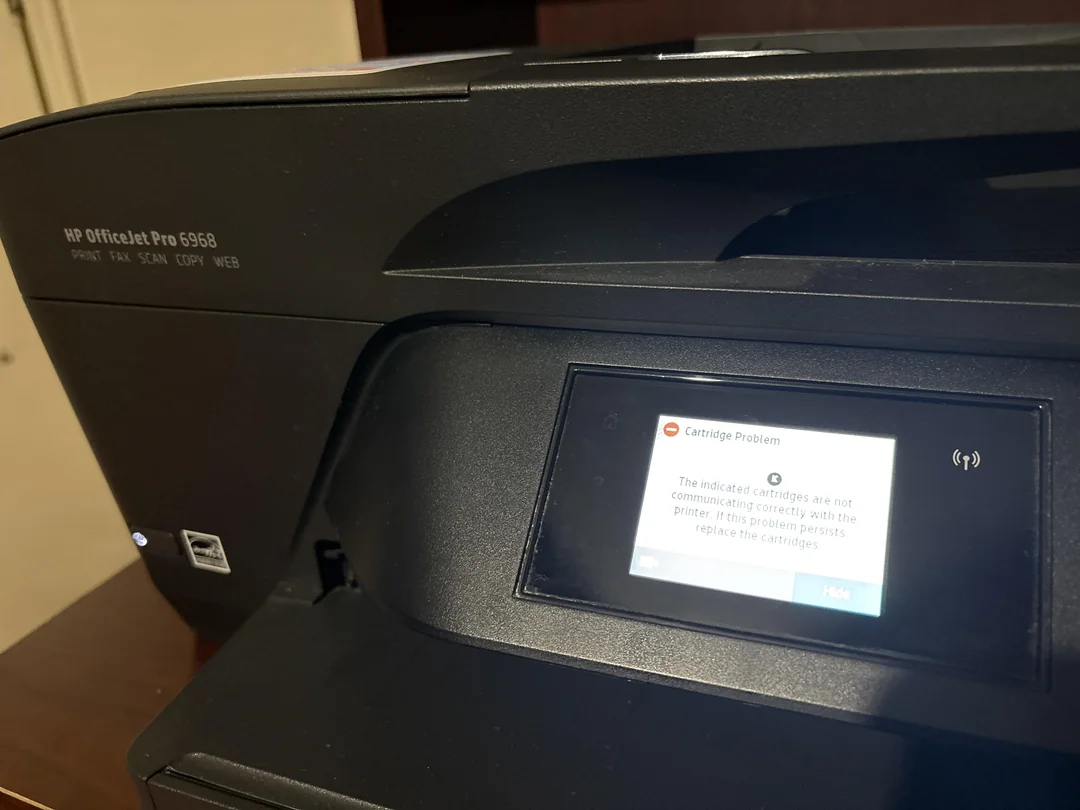
The 6968 uses HP 910 and 910XL cartridges, and it has a built-in security chip check. Every time you install a cartridge, the printer reads that chip. If the chip is missing, badly made, or not what HP expects, you get messages like "Incompatible Cartridge," "Cartridge Problem," or "Cartridge Not Recognized."
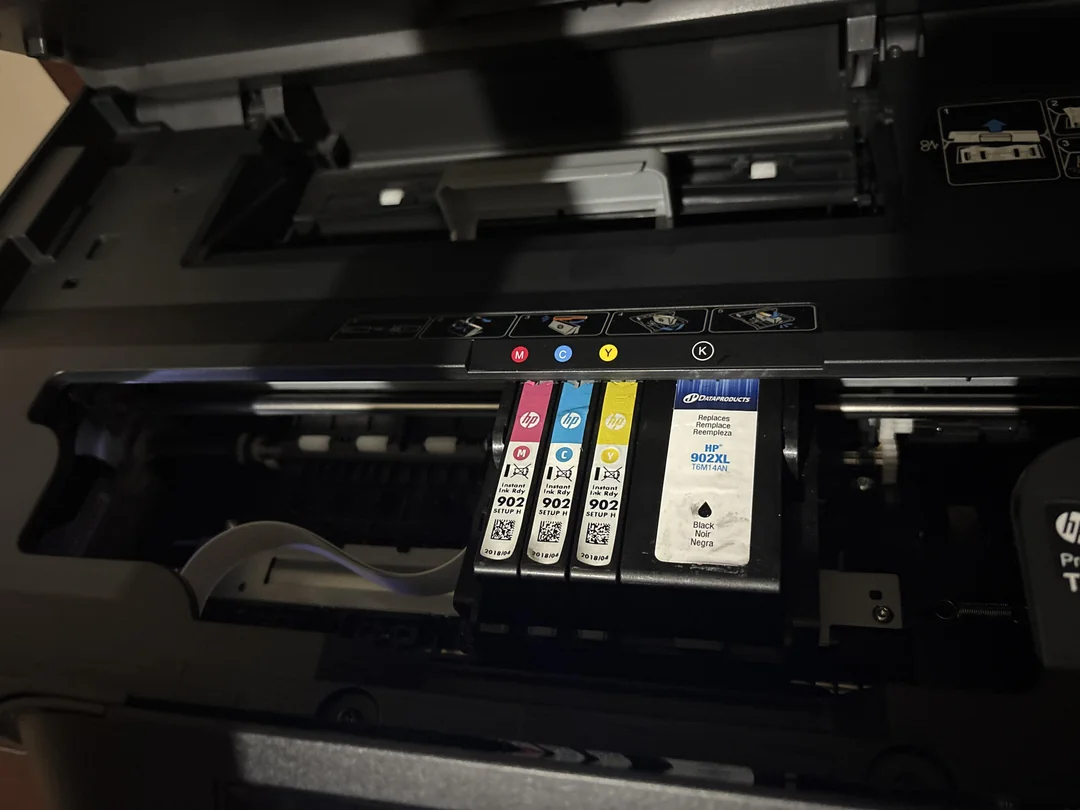
For example, this one printer user was using 902 cartridges on his HP OfficeJet 6968 printer and obviously his printer kept showing "cartridge problem" error.
On top of that, HP has pushed firmware updates over the years that make the printer stricter about non-HP cartridges. So a cartridge that worked fine last year might suddenly stop working. It's not you, and it's not always a bad cartridge. Sometimes the printer simply doesn't trust it.
What Quick Fixes Should I Try First on My HP 6968?
Before blaming the cartridges, try these easy ones:
- Turn the printer off and unplug it from the wall for a full minute. Plug it back in directly (not through a power strip) and turn it on.
- Take out the cartridges and look at the copper contacts. Wipe them gently with a dry, lint-free cloth. Skip water and alcohol here, since moisture on the contacts can cause its own problems.
- Check the slots. Each color has its own slot, so make sure the colors match and every cartridge clicks in firmly.
- Remove all plastic tape or caps. The sticker you pulled off is fine, but double-check that no film is left over the ink openings.
What If the Cartridge Error Still Won't Go Away?
Here's where I'll be honest with you. If you've done all of that and the error stays, the cartridge itself is probably the culprit. A few things to check:
- Wrong model. Make sure the cartridge says HP 910 or 910XL. Similar-looking numbers won't work.
- Chip quality. Cheap compatible cartridges sometimes have chips the printer can't read, especially after a firmware update.
- A faulty cartridge. Even a new one can be defective if it sat too long in storage.
Here's a simple test. Put a genuine HP 910 cartridge in the same slot. If the error disappears, the problem was the cartridge you bought. If the error stays even with a genuine one, the issue is likely inside the printer, such as the carriage contacts.
Can I Use Cheaper Compatible Cartridges in the HP OfficeJet Pro 6968?
You can, but choose carefully. I get it, genuine ink is expensive. Look for reputable remanufactured or compatible brands that clearly say they work with the OfficeJet Pro 6968 and offer a return or replacement policy. Keep your receipt, and test the cartridges right away so you're still inside the return window.
Should I Turn Off Firmware Updates on My HP 6968?
Turning off automatic updates can sometimes avoid new restrictions on third-party ink, but it's a trade-off. Updates also carry important security fixes. If you want to understand why that matters, take a look at our guide on how to secure an office printer before you decide.
When Should I Get a Technician to Look at My Printer?
If you've tried a known-good HP cartridge and the printer still shows an error, the problem is likely inside the printer, not the ink. At that point, it's best to have a technician take a look rather than force things. Printer Tech Services can help you figure out whether it's the carriage, the contacts, or something else.