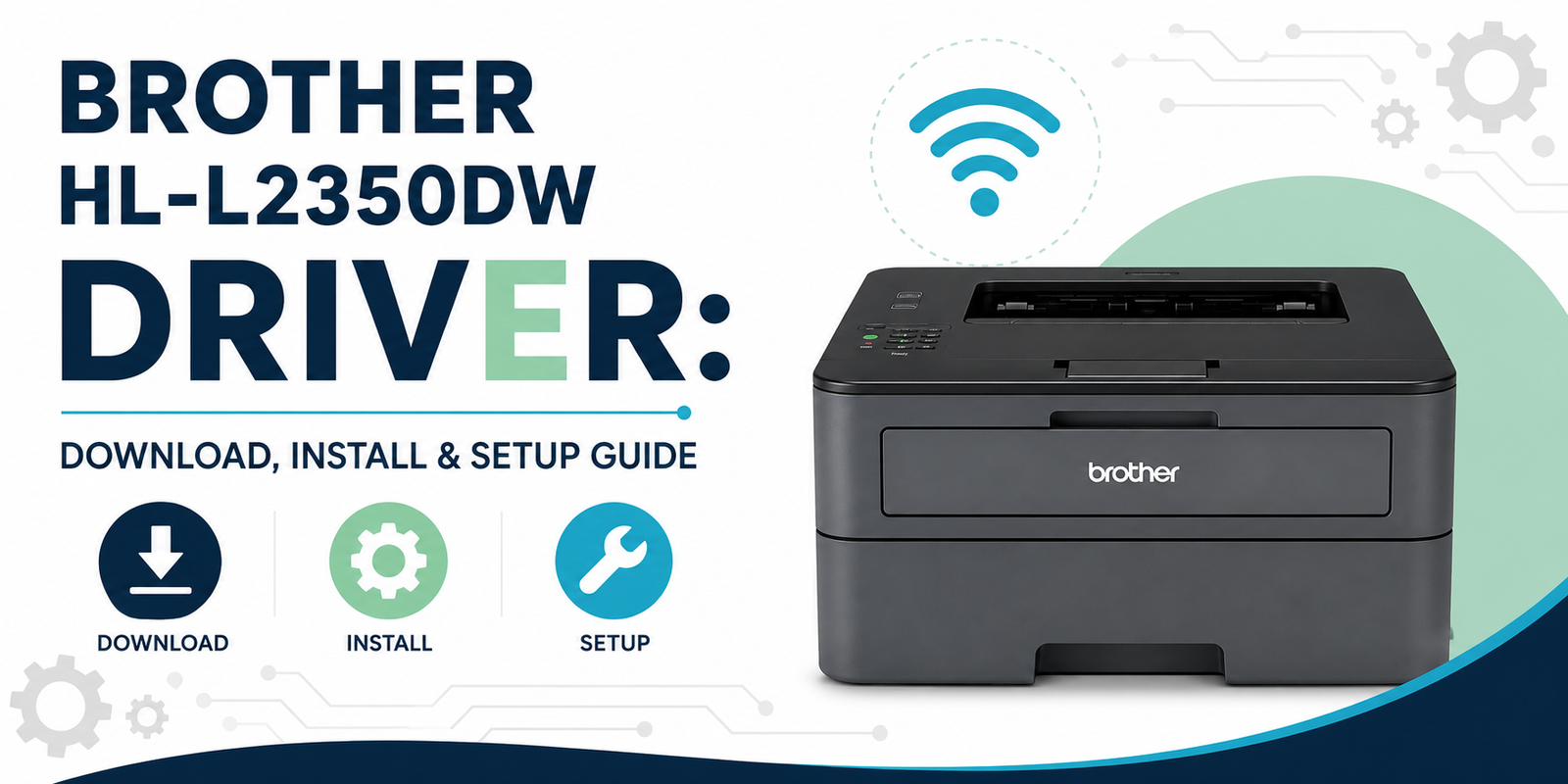
Brother printers are known for being reliable, but like any printer, they can develop problems over time. You might see a printer offline message, a paper jam, slow printing, or a Brother printer not printing even though everything appears connected. The important thing is finding the real cause before changing settings or replacing parts.
We help diagnose a wide range of Brother printer problems for home users and businesses. From wireless connection issues and driver errors to poor print quality, scanner problems, and toner errors, we guide you through practical troubleshooting steps that are easy to understand and simple to follow.
Many Brother printer problems are caused by outdated printer drivers, incorrect network settings, a stuck print queue, or communication problems between the printer and your computer. In other cases, the issue may be related to the toner cartridge, drum unit, paper feed, or printer configuration. Taking the right steps in the right order often saves a lot of time.
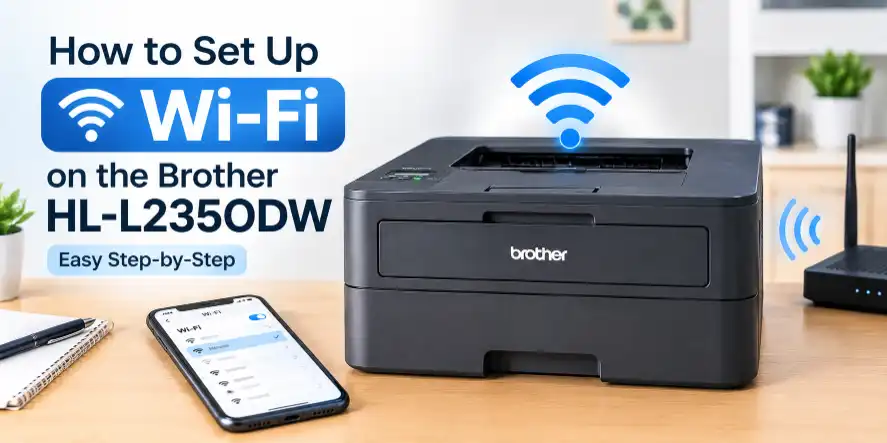
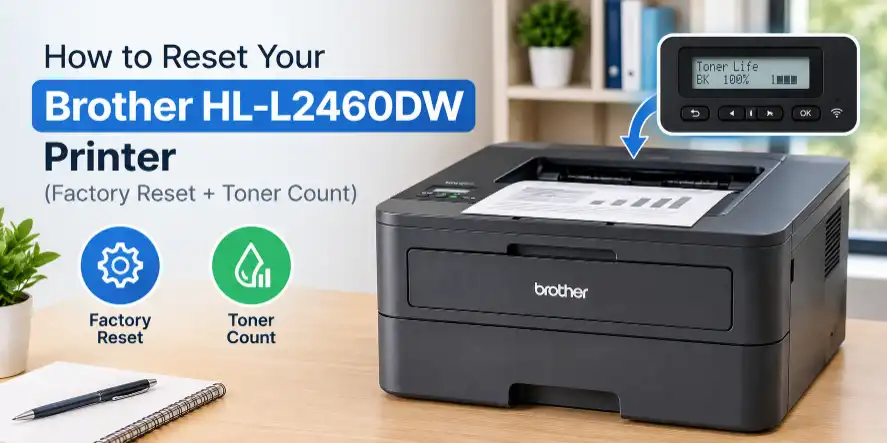
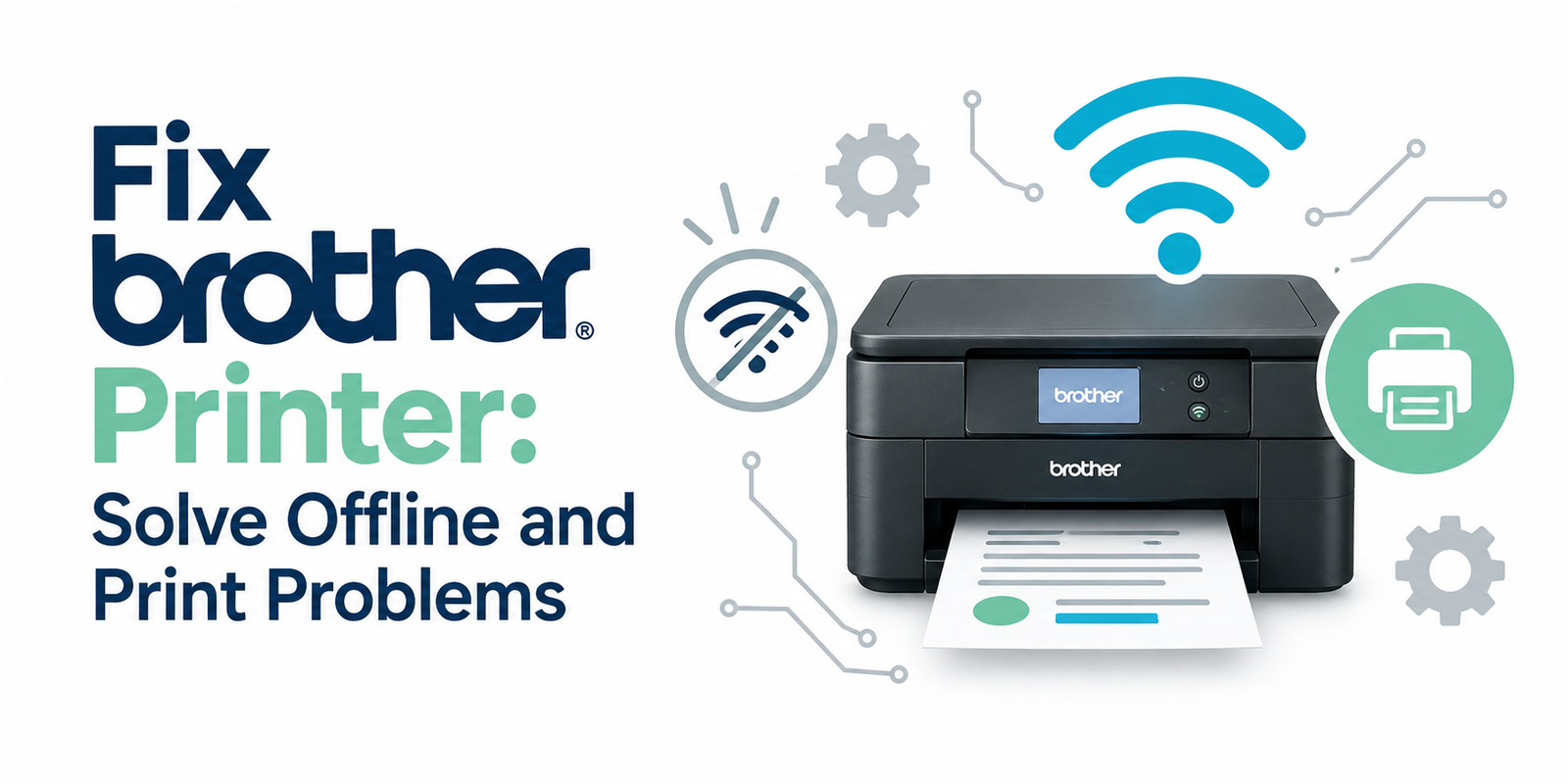
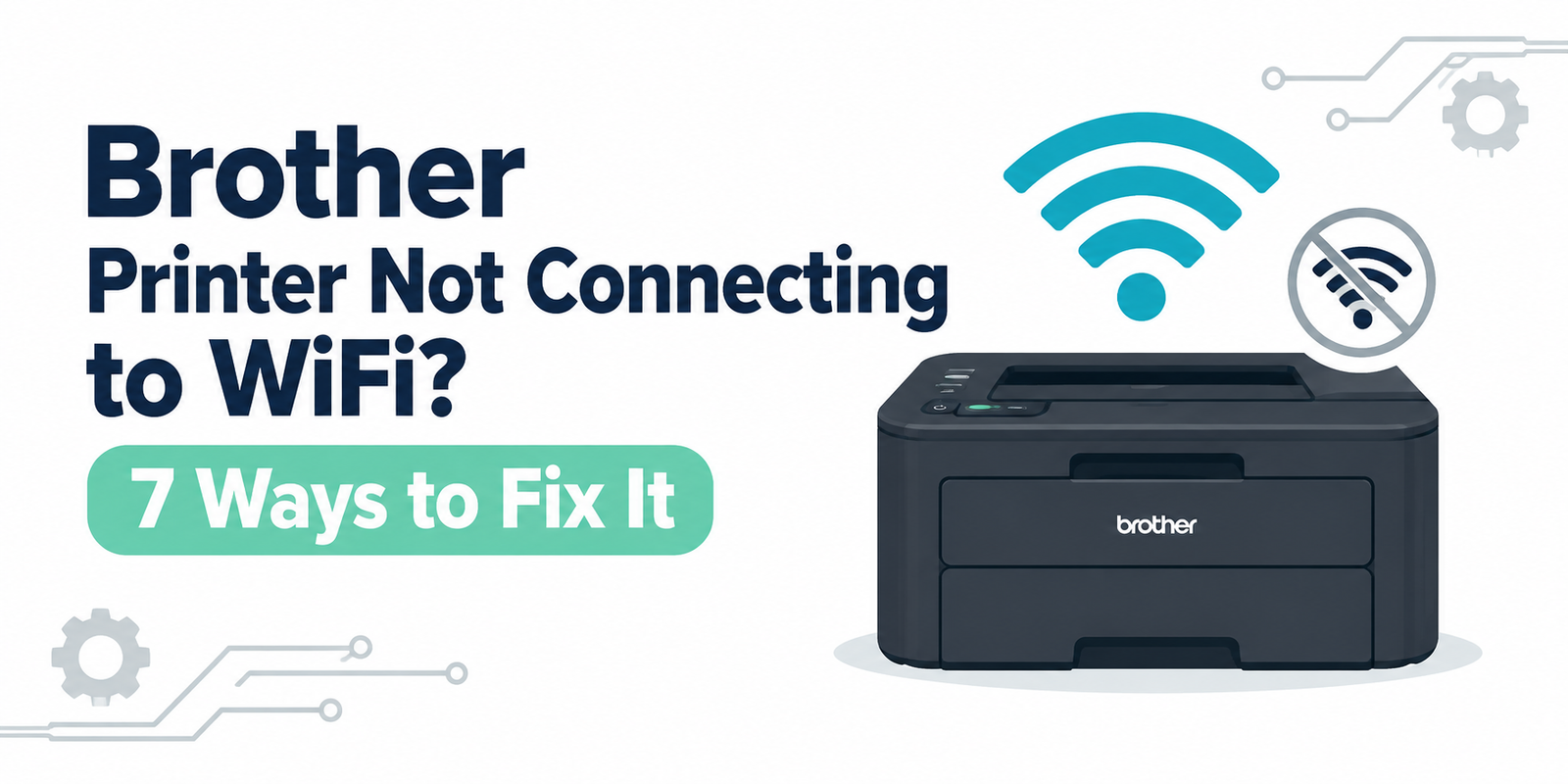
Whether you use a Brother HL, MFC, DCP, ADS, or INKvestment printer, we help with Brother printer not printing, Brother printer offline errors, Brother printer WiFi setup, paper jams, slow printing, scanner issues, and print quality problems. Our goal is to make Brother printer troubleshooting as straightforward as possible.
Every troubleshooting guide is based on real printer repair experience and focuses on solutions that work in everyday situations. We explain each step in plain English so you can get your Brother printer working again without unnecessary technical language or confusing instructions.
Brother Printer Help for Everyday Problems
Brother laser and all-in-one printer service for driver, queue, and wireless connection issues.
Common Problems We Handle
- Brother printer offline or not responding
- Brother WiFi setup and reconnection help
- Brother driver, software, and installation issues
- Brother ink, toner, and print quality problems
What Our Technicians Check
- We verify the printer model, connection type, and device setup before making any changes.
- We check common Brother software conflicts, spooler errors, and outdated driver problems.
- We walk through safe cleaning, reset, and reconnection steps in plain English.
- We explain the fastest repair path so you know whether the issue is setup, hardware, or consumables.
When This Page Is Helpful
- New Brother printer setup on Windows or Mac
- Brother printer shows offline, paused, or unavailable
- Brother scanner or wireless connection stopped working
- Prints are faded, streaky, blank, or delayed